
Posthaul vs Dewey vs Tweetsmash
Compare three X bookmark tools on local storage, replies, cloud sync, exports and pricing, including where Dewey and Tweetsmash are a better fit.
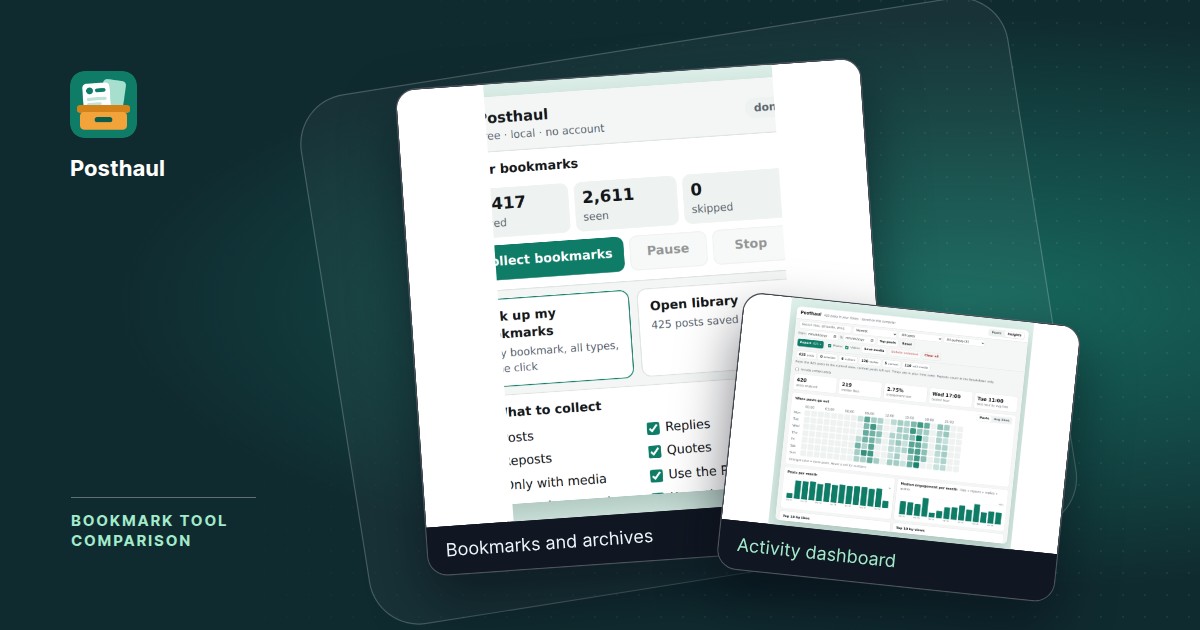
Compare data collection, storage and plans
| Feature | Posthaul | Dewey | Tweetsmash |
|---|---|---|---|
| Collection | Collects from an open X tab. Supports bookmarks, profiles, Replies, threads, search, lists and likes. | Bookmark imports and sync across supported services. Its plans list likes sync and saving full threads. | Browser extension for historical bookmark import, plus X account authorization for ongoing bookmark sync. |
| Storage and limits | Stores the collection in local IndexedDB. No extra account or X API key. X page visibility, loading and rate limits still apply. | Hosted library with a Dewey account. Free syncing is manual and the pricing table shows one connected account. Paid options add automatic syncing. | Hosted bookmark library. The vendor says the official X API shows the most recent 800 bookmarks for initial API import and offers its extension for older history. |
| Exports | Free CSV, JSON and Markdown, including thread documents and media ZIP. Pro adds Excel and an Obsidian vault. | Offers PDF, CSV and media export plus Notion and Google Sheets on eligible plans. Check the current export tier. | Offers bookmark exports and automated destination sync on eligible plans. Its one-time Exports Pass includes one year of auto-sync. |
| Price | Free core. Pro $19/year or $39 once. | Free plan. Pro lists $10/month or $7.50/month with annual billing. An Export Pass is also available. | Free import. Listed prices include $84/year for the annual Read plan, $49 once for Exports Pass and $198 once for Lifetime. |
When Dewey or Tweetsmash is the better buy
Dewey makes sense when most of your work starts with a mixed bookmark library. Look at the services you actually use, the number of accounts you want to connect and whether your export format is on the plan you intend to buy. Tags and folders can matter more for daily retrieval than a single export.
Tweetsmash makes sense when bookmarks should flow to another app as you save them. The browser importer and account-based sync serve different purposes. If X’s API only returns the more recent bookmarks, check that you’ve run the historical browser import before taking the result as a full archive. Confirm the renewal date of any ongoing sync you rely on.
When a local export is simpler
For a profile’s visible replies or a project-specific thread archive, open that X view and export the posts you can access. Posthaul keeps the working library in your browser and needs a manual backup to retain it outside that profile. For a large run, compare the oldest captured post and the export count against what you expected before closing the tab.
See Posthaul pricing, Dewey pricing, Tweetsmash pricing and import details and our step-by-step export guide.
Get Posthaul
Frequently asked questions
Which tool works for profile replies as well as bookmarks?
Posthaul offers collection from the profile Replies tab and individual threads as well as Bookmarks. Choose the view that matches the conversation you want.
Are the X API limits the same for every tool?
No. X’s API and its web interface expose different views. Tweetsmash describes a recent-800 limit for its API import. Posthaul relies on what your browser session can load.
Which tool is best for automated Notion sync?
Dewey and Tweetsmash advertise supported integrations on eligible plans. Posthaul focuses on file exports that you can save or import yourself.