
Panaweb Blog
Practical setup guides, troubleshooting and comparisons from the people who build Panaweb’s apps.
-
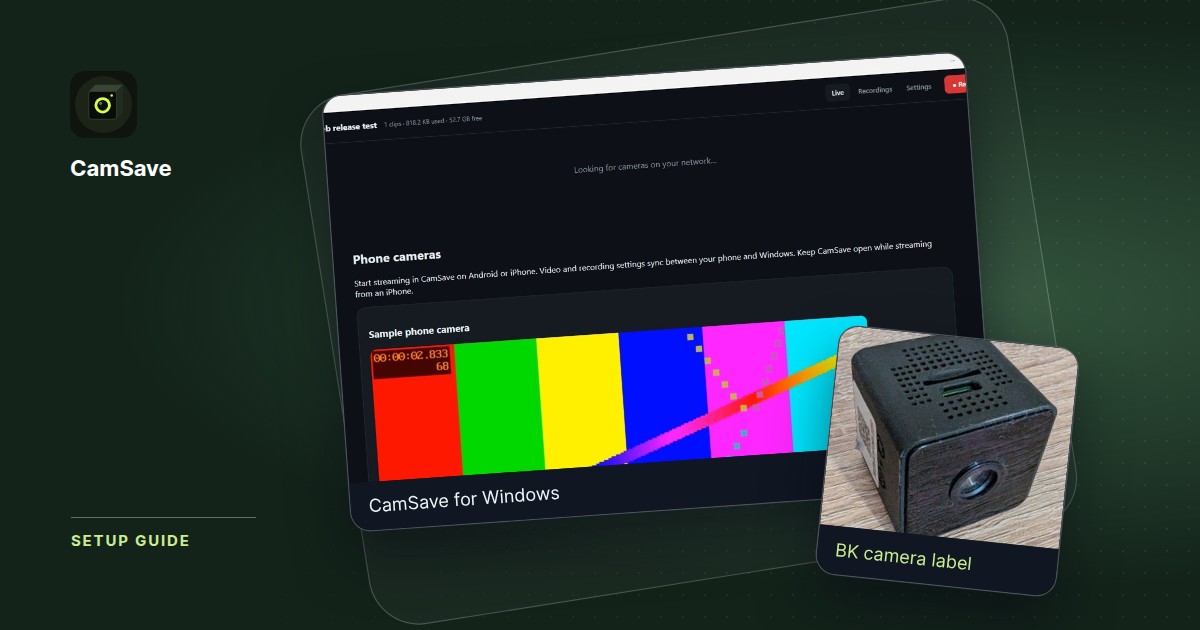
How to Watch & Record A9 / BK Mini WiFi Cameras on Windows PC Without iWFCam or Cloud
Pair a compatible BK mini WiFi camera on 2.4 GHz, watch it in CamSave for Windows and verify that your recording still works with camera internet access blocked.
-
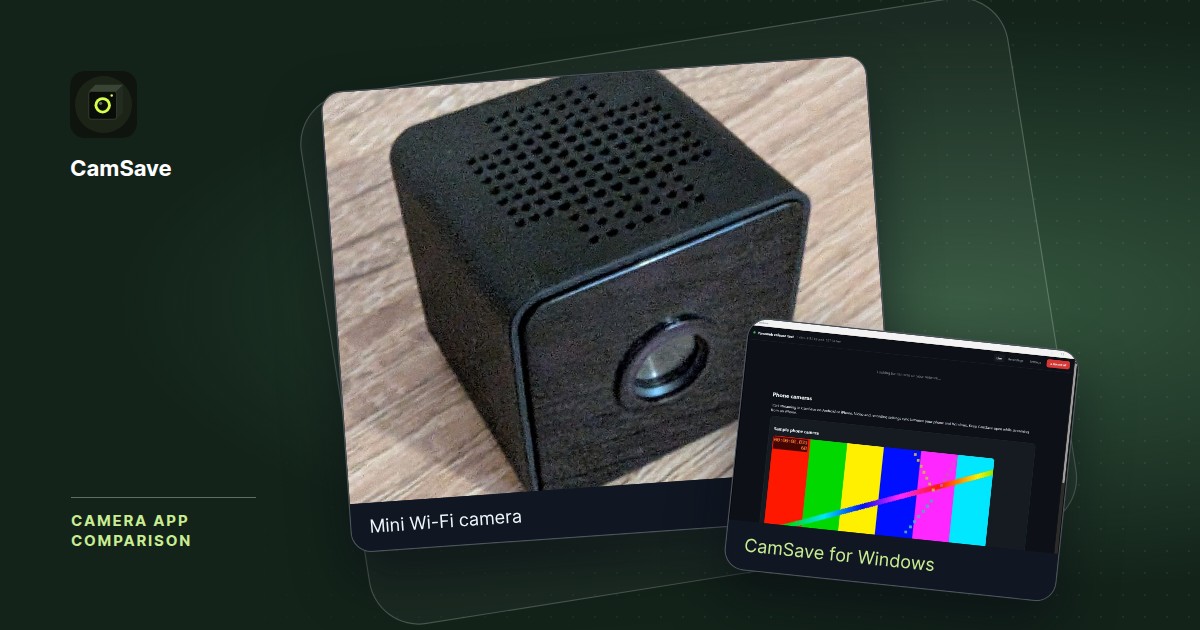
CamSave vs iWFCam: Local Privacy, PC Recording & No Account
Compare CamSave and iWFCam for compatible mini cameras, including local viewing, Windows recording, remote access and where the vendor app makes more sense.
-
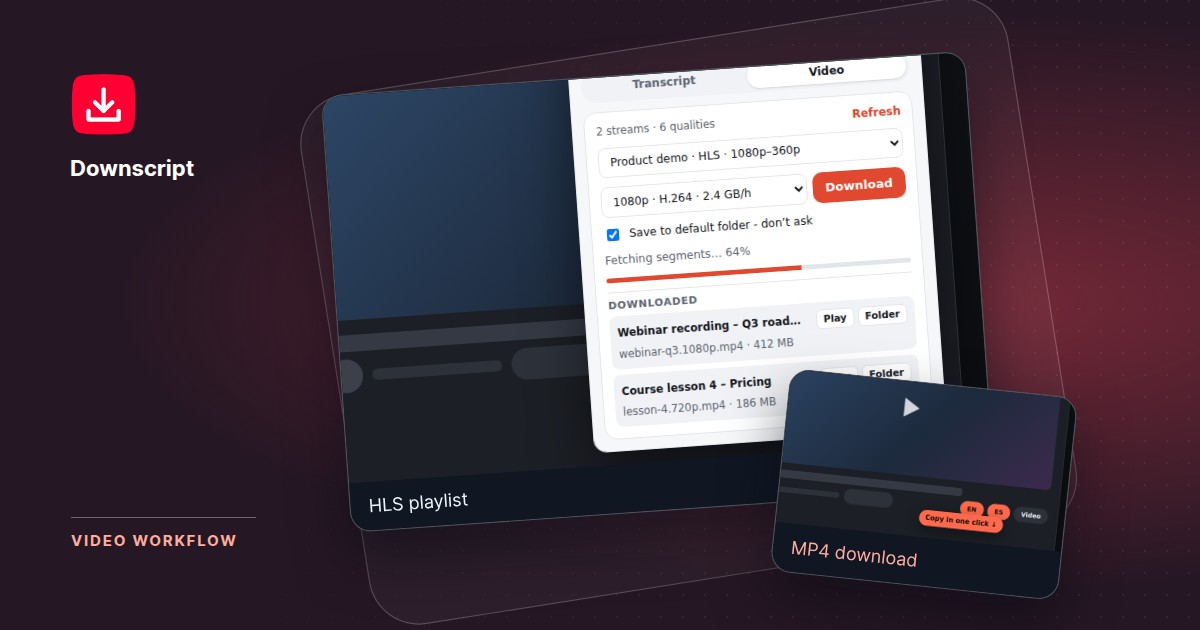
How to Download HLS (.m3u8) Streaming Videos as a Single MP4
Save permitted HLS video as a playable MP4 using Downscript or FFmpeg. Learn how playlists, separate audio tracks and expired links affect the result.
-
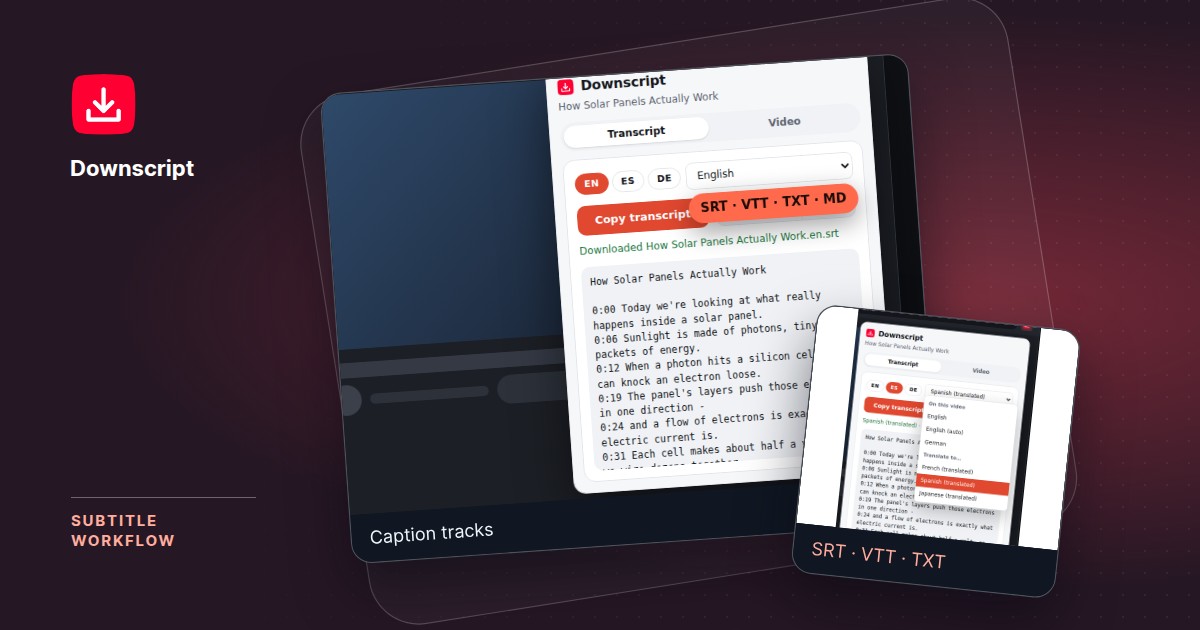
How to Copy or Download YouTube Transcripts & SRT Subtitles (Chrome, Edge & Firefox)
Copy a YouTube transcript, choose the right caption track and export SRT or VTT. See how video-download support differs across Chrome, Edge and Firefox.
-
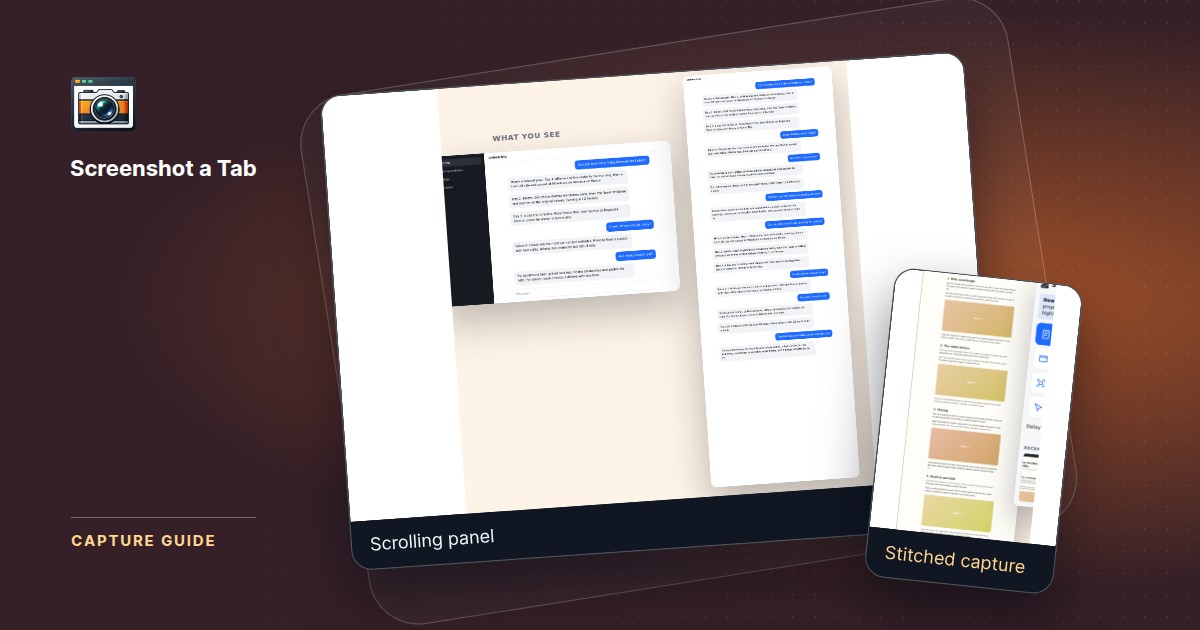
How to Take a Full-Page Screenshot of Scrolling Chats & Dashboards (Slack, Gmail, Notion)
Capture the scrollable panel in Slack, Gmail, Notion or a dashboard, reduce repeated headers, and check for missing rows before sharing.
-
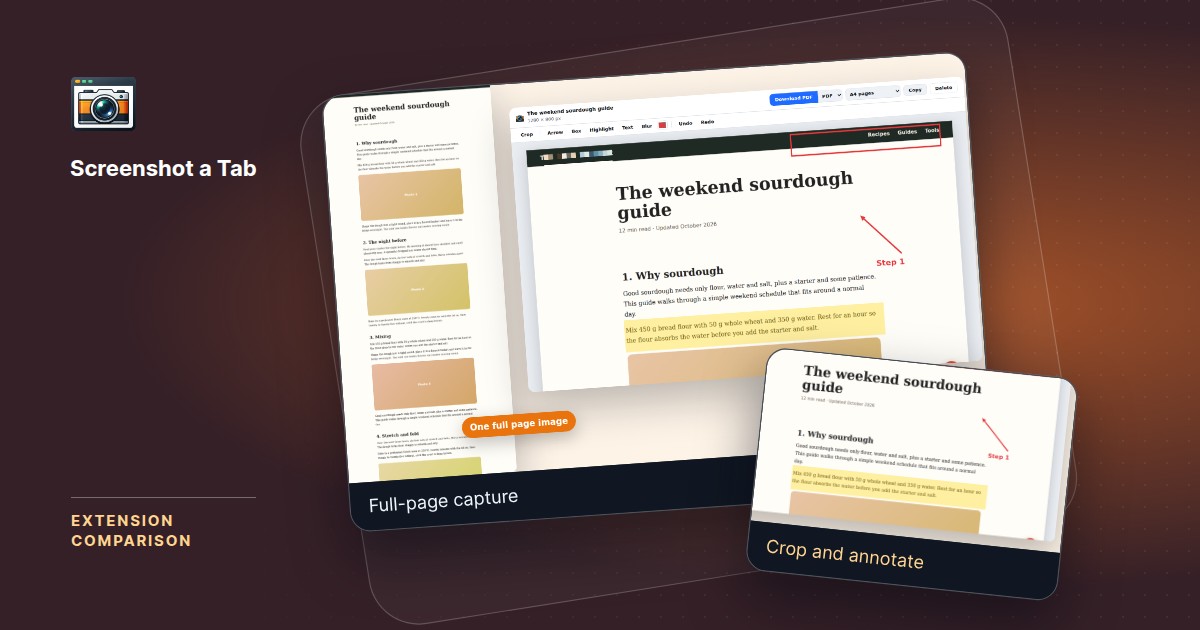
Screenshot a Tab vs GoFullPage vs FireShot (2026 Comparison)
Compare nested scrolling, sticky headers, browser permissions, free cropping and paid editing in three full-page screenshot extensions.
-
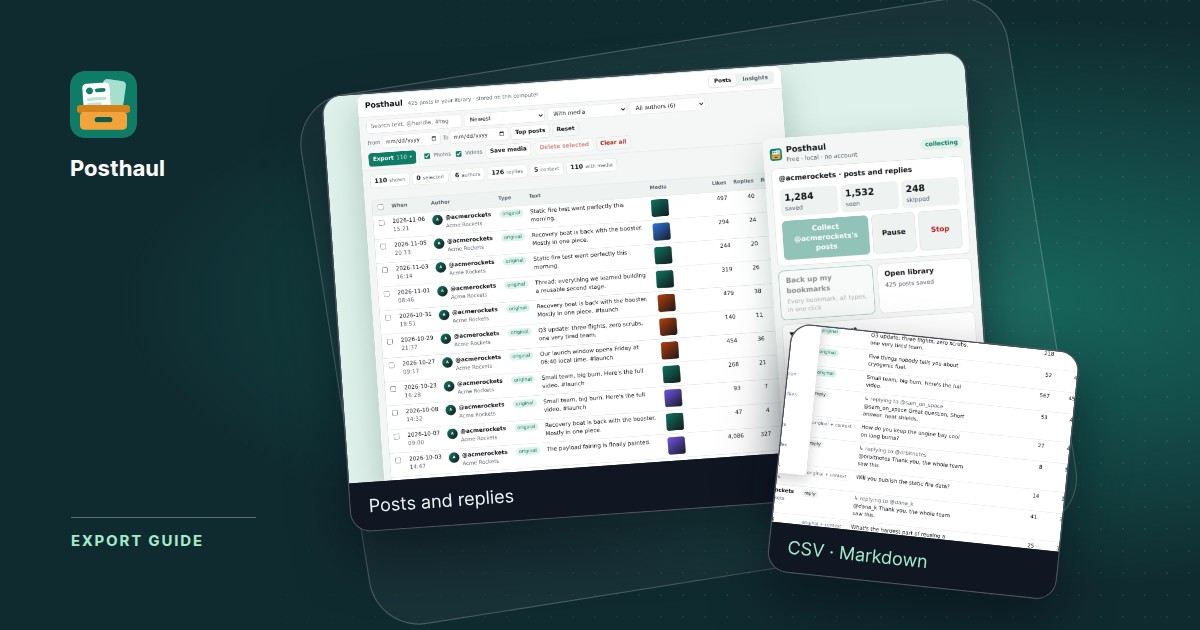
How to Export X (Twitter) Bookmarks & Replies to CSV, Markdown, or Obsidian (Without Paying for the X API)
Export saved posts or profile replies from an open X tab. Save a CSV, keep a Markdown backup or import a folder of notes into Obsidian.
-
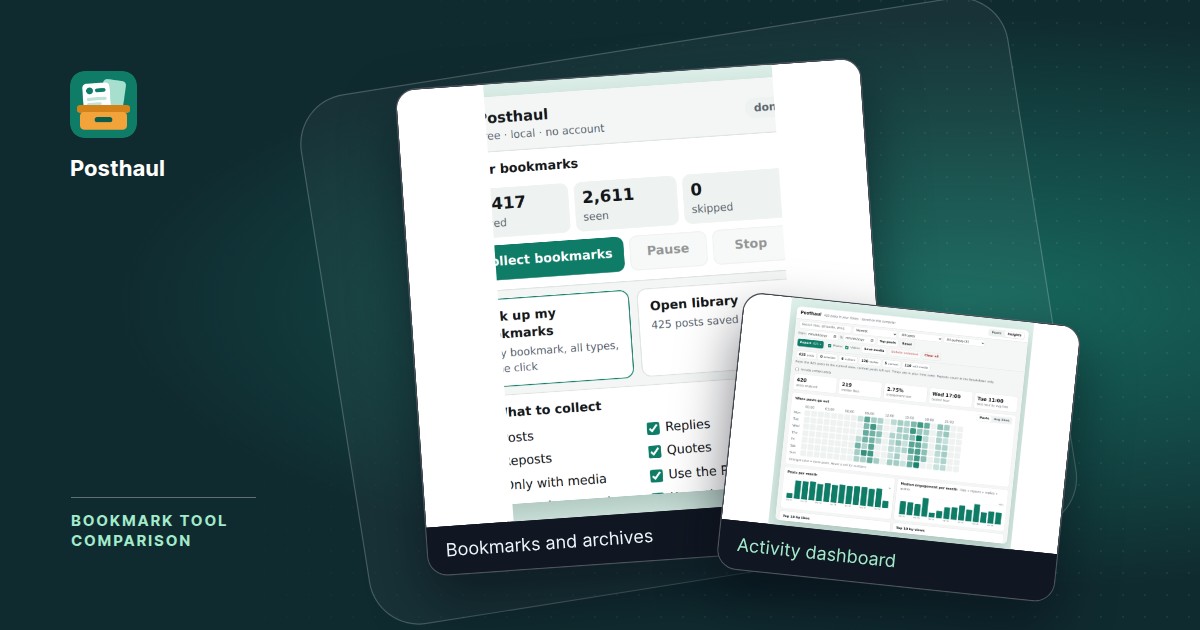
Posthaul vs Dewey vs Tweetsmash
Compare three X bookmark tools on local storage, replies, cloud sync, exports and pricing, including where Dewey and Tweetsmash are a better fit.
-
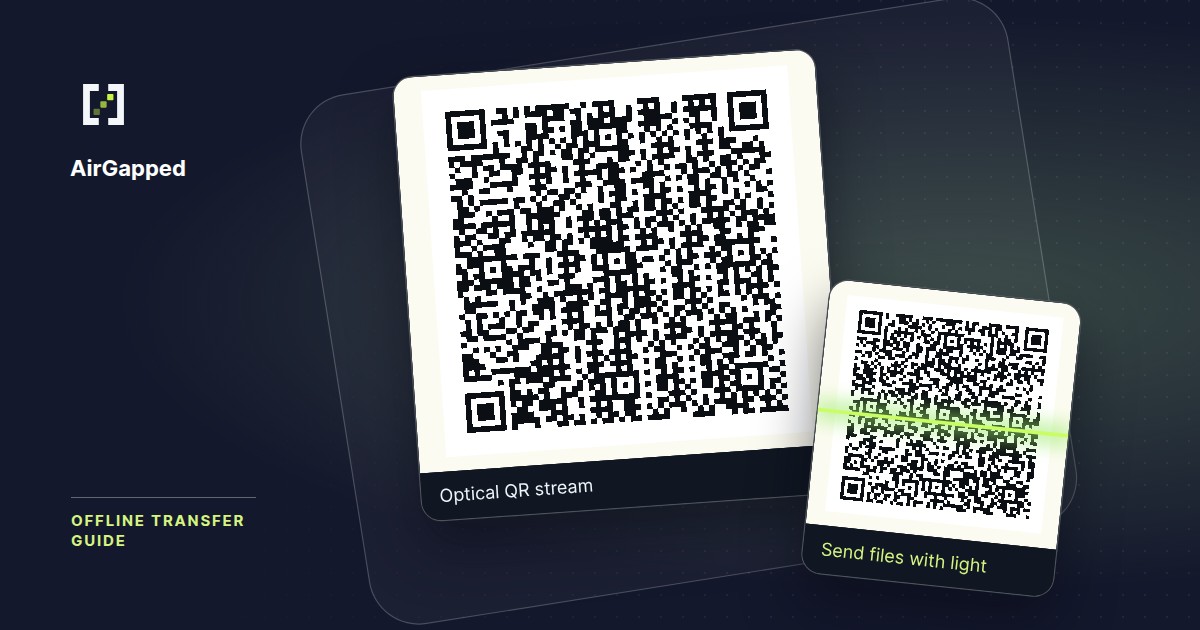
How to Transfer Files to an Air-Gapped Computer Without USB, Wi-Fi, or Cloud
Use an approved optical QR transfer to move a small file. Learn how RaptorQ recovers missed frames, how to check the BLAKE3 fingerprint and how paper and offline activation work.