
Screenshot a Tab vs GoFullPage vs FireShot (2026 Comparison)
Compare nested scrolling, sticky headers, browser permissions, free cropping and paid editing in three full-page screenshot extensions.
Which extension fits your capture?
| Feature | Screenshot a Tab | GoFullPage | FireShot |
|---|---|---|---|
| Browser access | Uses activeTab for temporary site access. No persistent host permissions. Captures stay on-device. | Its store listing describes action-based capture without extra permissions. Permission details here are based on the store listing. | The Store lists local saving and optional export destinations. Verify the install permissions and destinations you choose. |
| Inner scrolling | Full page detects many inner scroll containers. Element lets you choose one and stitch it. | The Chrome listing documents inner scrollable elements and embedded iframe support. | The vendor documents capture of scrolling elements as a FireShot Pro feature. |
| Sticky headers | Can hide sticky headers and floating chat buttons after the first screen. | Check your layout. The listing describes capture fixes for chat UIs. | Check your layout and selected capture mode. |
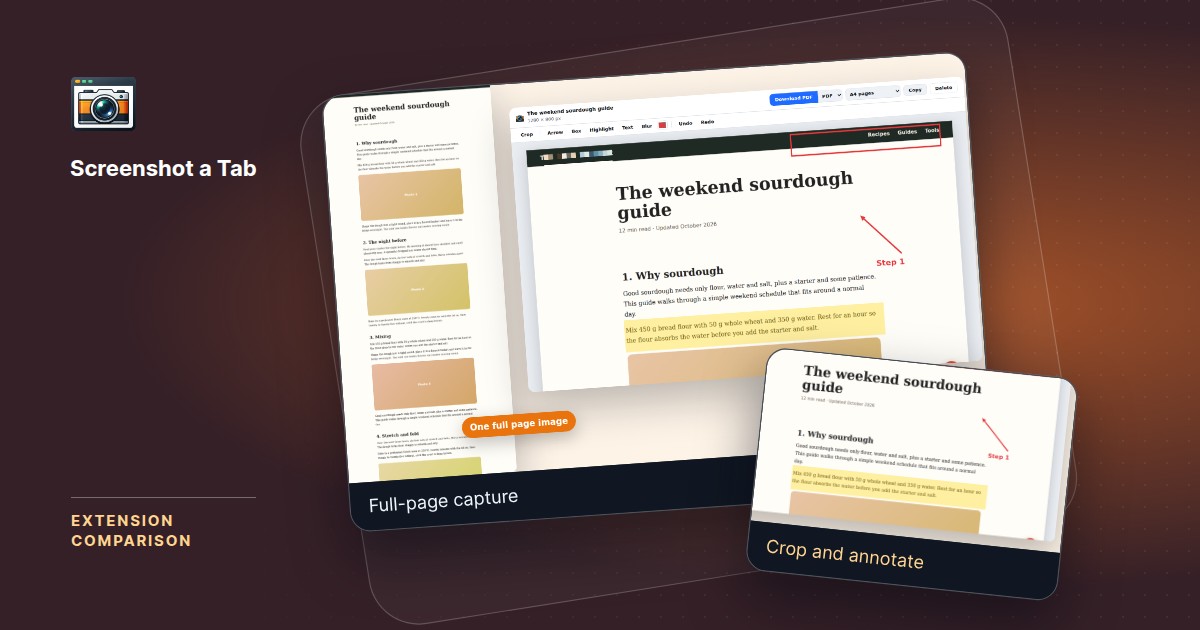
| Free editing and exports | Crop and export PNG, JPG or PDF for free. Arrows, text, blur and clickable links in PDFs are Pro. | Core full-page capture and exports are free. Crop and annotation are advertised in the Premium editor. | Basic capture and exports are free. The built-in editor and searchable PDFs are highlighted in Pro. |
What we would try on the same page
Use a page with an inner message list, one sticky header and a visible row number at the bottom. Capture the same range at the same zoom. Check whether the header repeats, whether the last row appears and whether text is legible at the same export size. Use the same procedure on an embedded iframe if it’s central to your work.
For a PDF archive, search for a distinctive phrase in the exported file. Selectable or searchable text and clickable links are separate capabilities. Screenshot a Tab’s paid link option preserves links in compatible captures. FireShot Pro is the option here that explicitly advertises text-searchable PDFs.
Screenshot a Tab Pro is listed at $12 a year or $29 once for the browser edition. Check each store’s current plan before paying, particularly if you mostly need a basic PDF or PNG.
Sources and current plans are on Screenshot a Tab’s privacy page, Screenshot a Tab pricing, the GoFullPage Chrome listing and FireShot’s site. The comparison uses published capabilities and our own release code. For a practical walkthrough, see capturing scrolling chats and dashboards.
Get Screenshot a Tab
Frequently asked questions
Which tool can capture inside a scrolling chat pane?
Screenshot a Tab can target the pane using Element capture. GoFullPage advertises inner-scroll support and FireShot documents scrolling-element capture in Pro. Virtualized chat history can limit any of these captures.
Can I crop for free in Screenshot a Tab?
Yes. Cropping and basic exports are free. Arrows, text and blur are part of Pro.
What does activeTab mean here?
When you invoke Screenshot a Tab, the browser temporarily lets it work on that tab. The extension also requests permissions such as downloads and storage for saving results.